Features
Every Screenshot K feature, one shortcut at a time
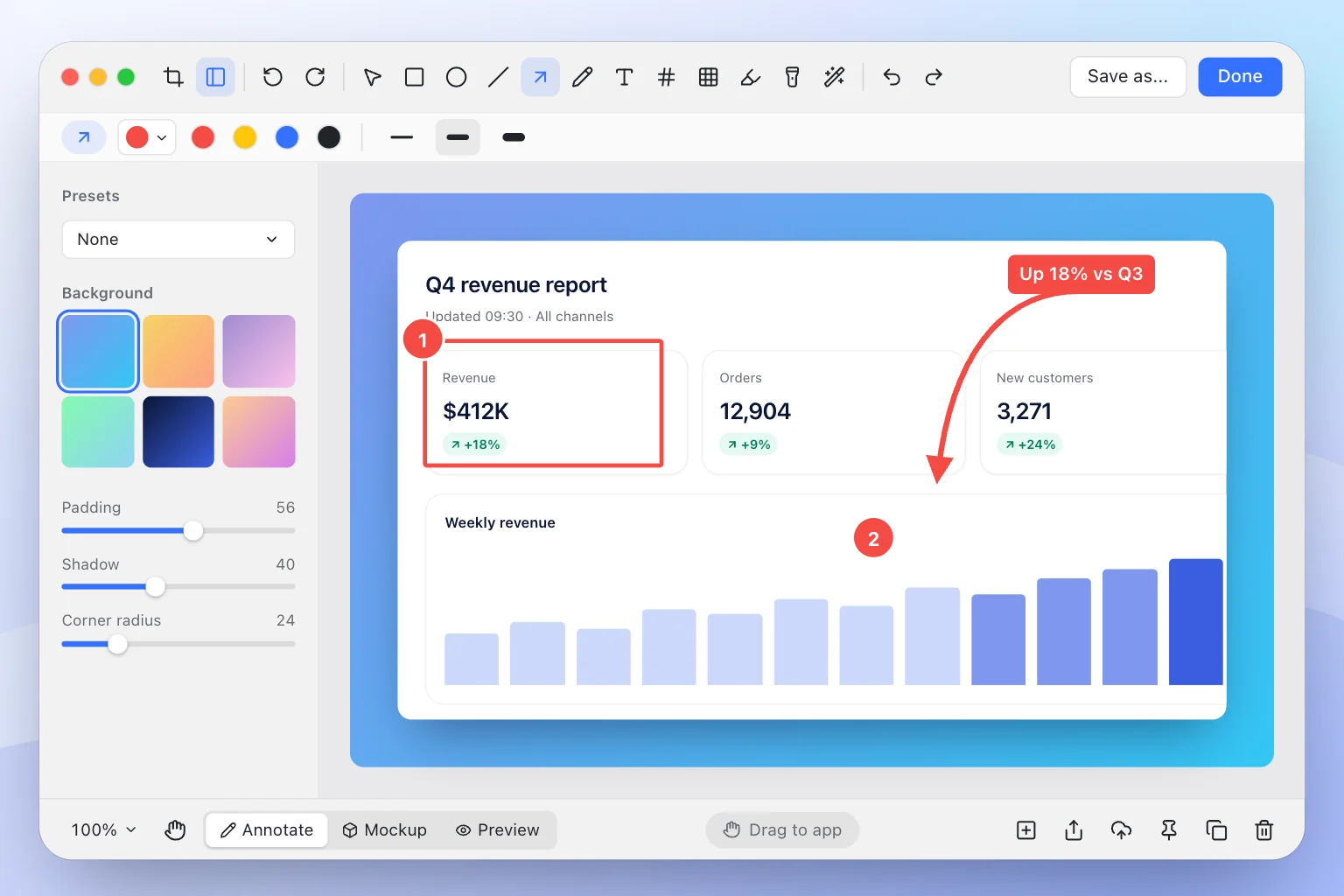
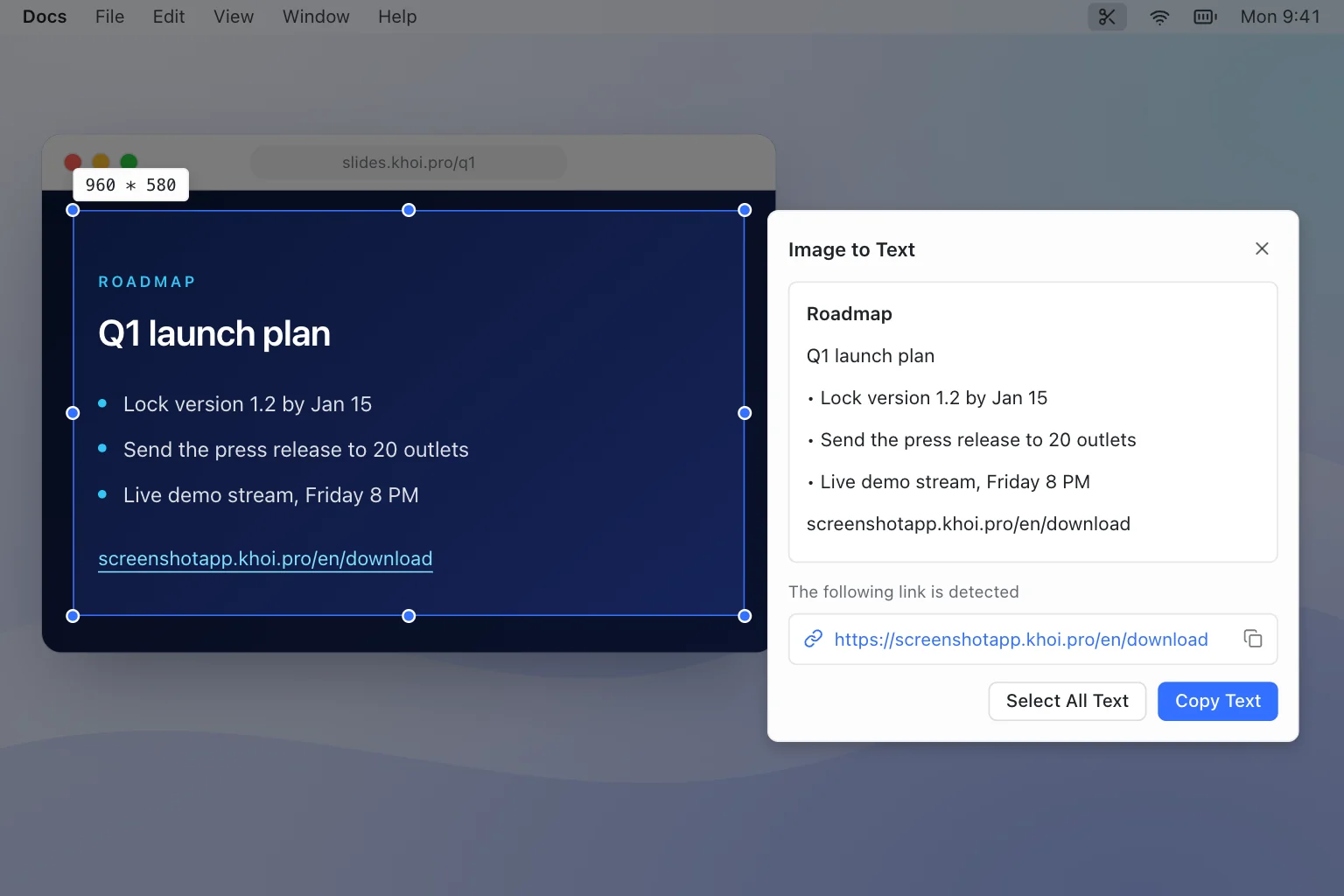
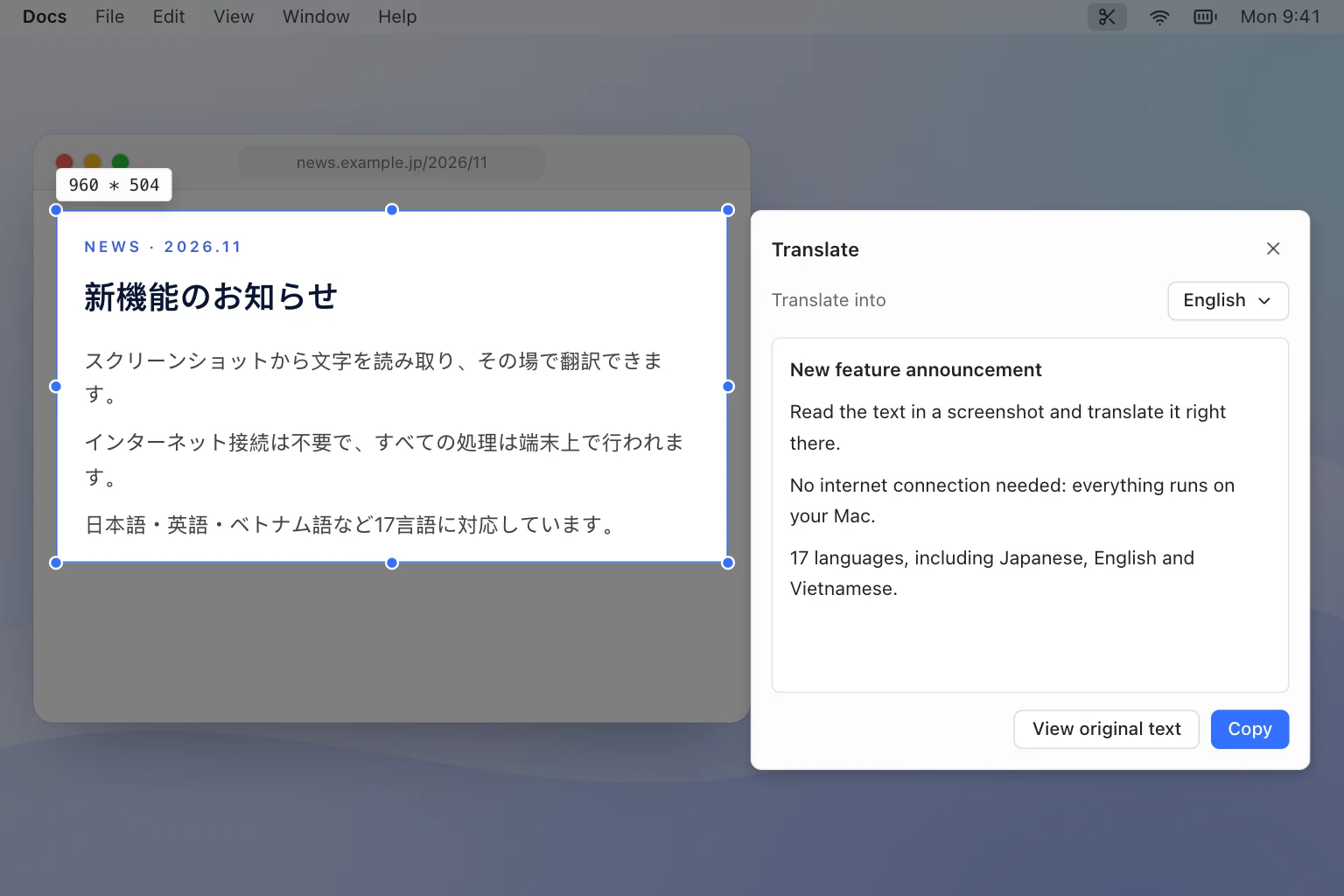
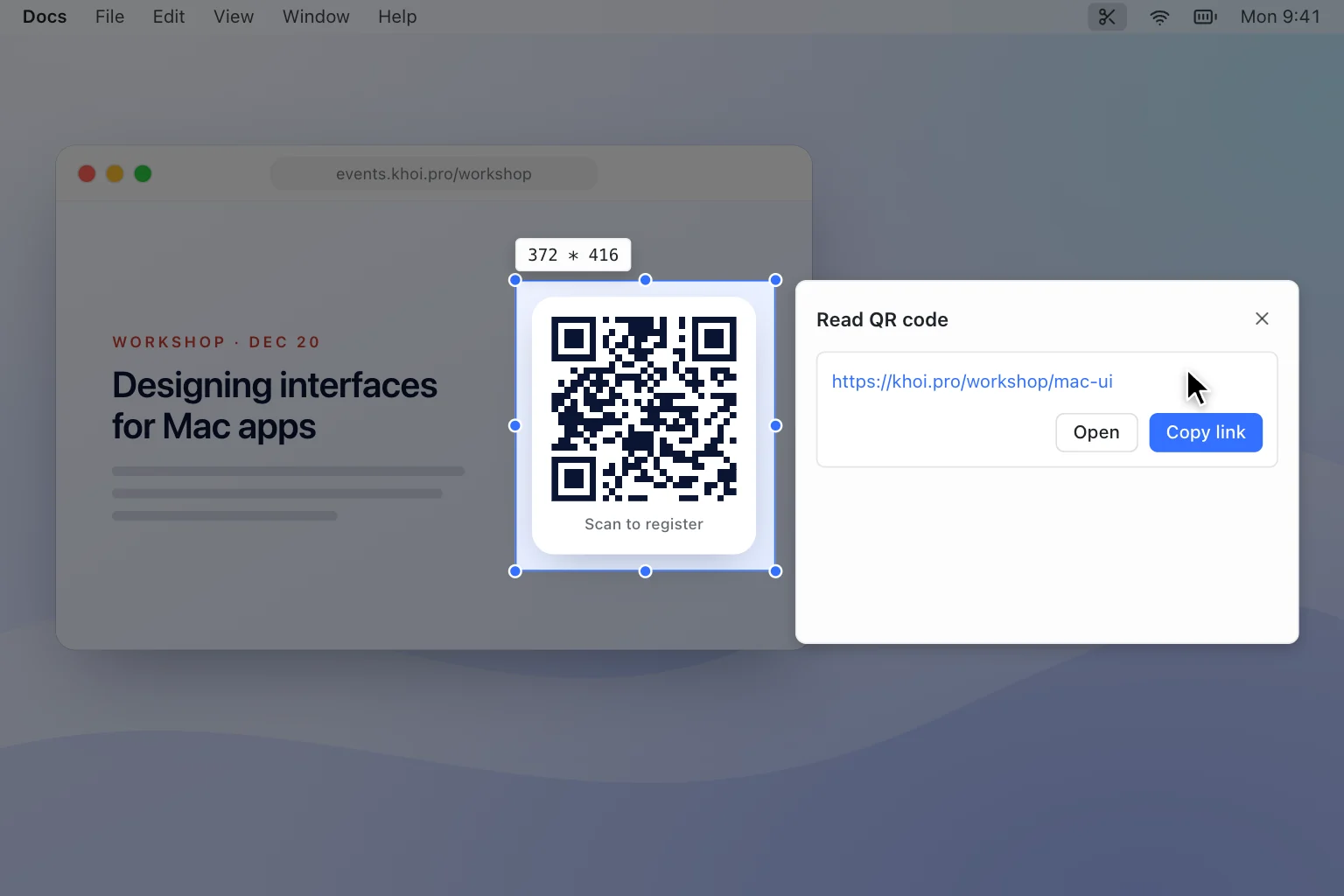
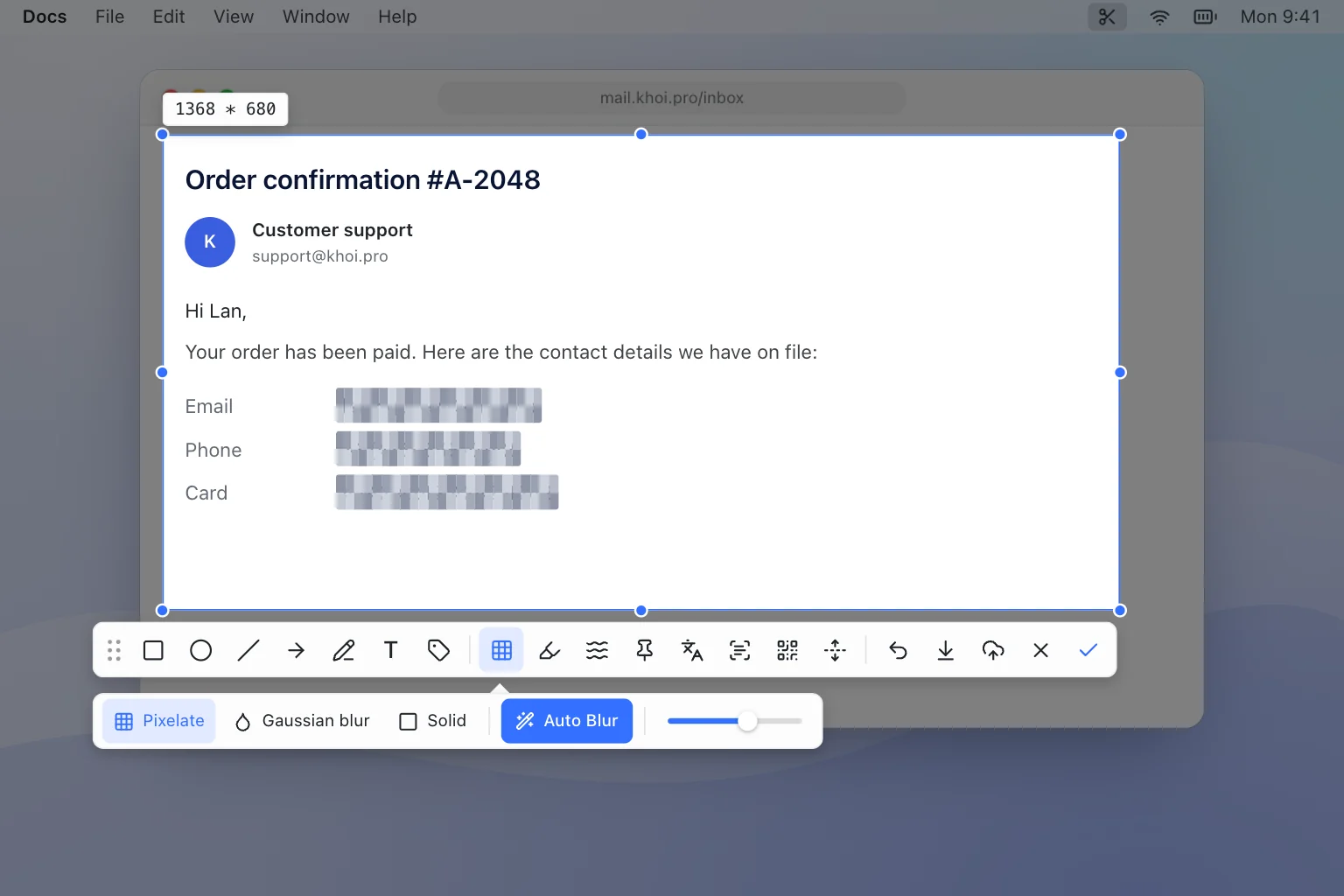
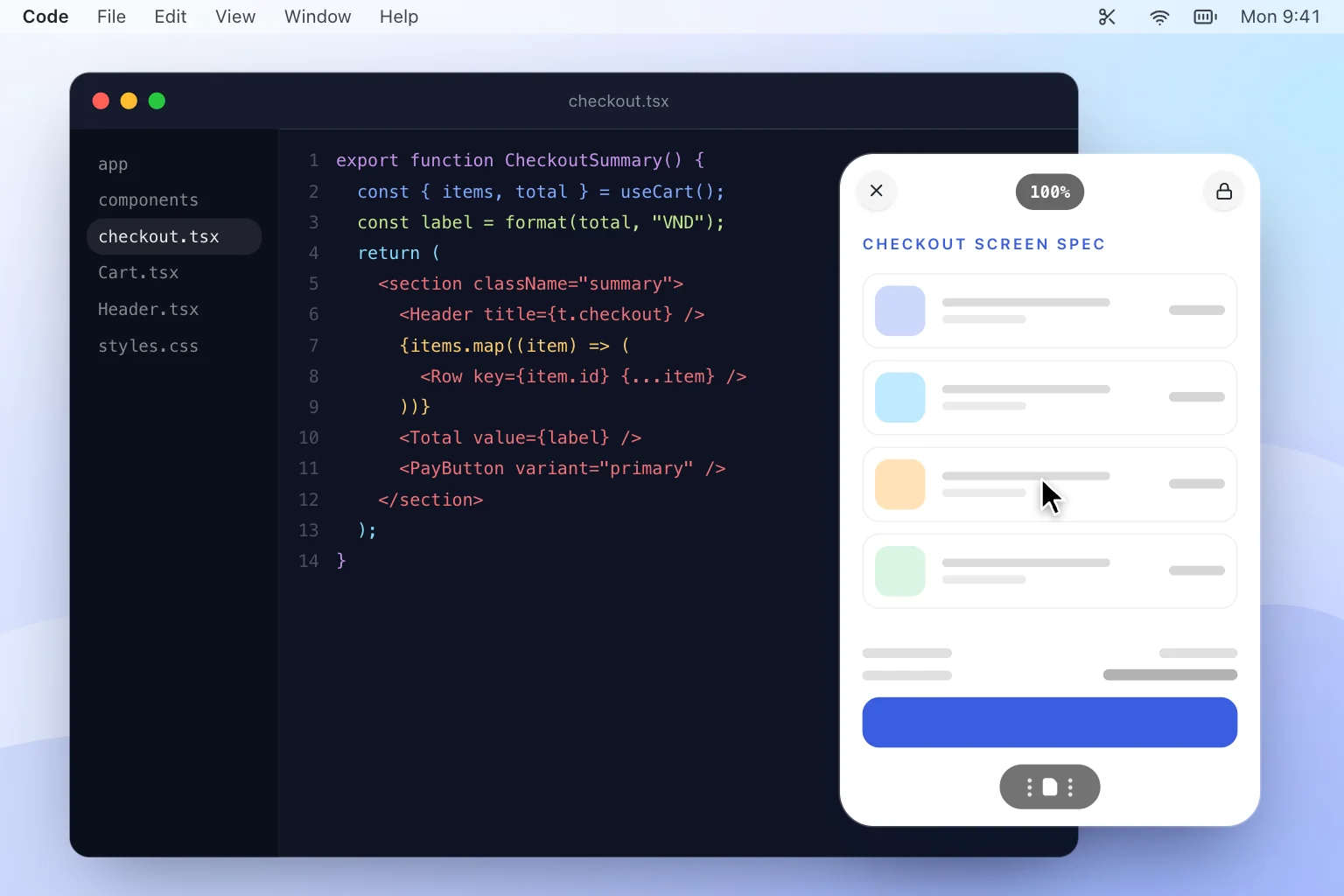
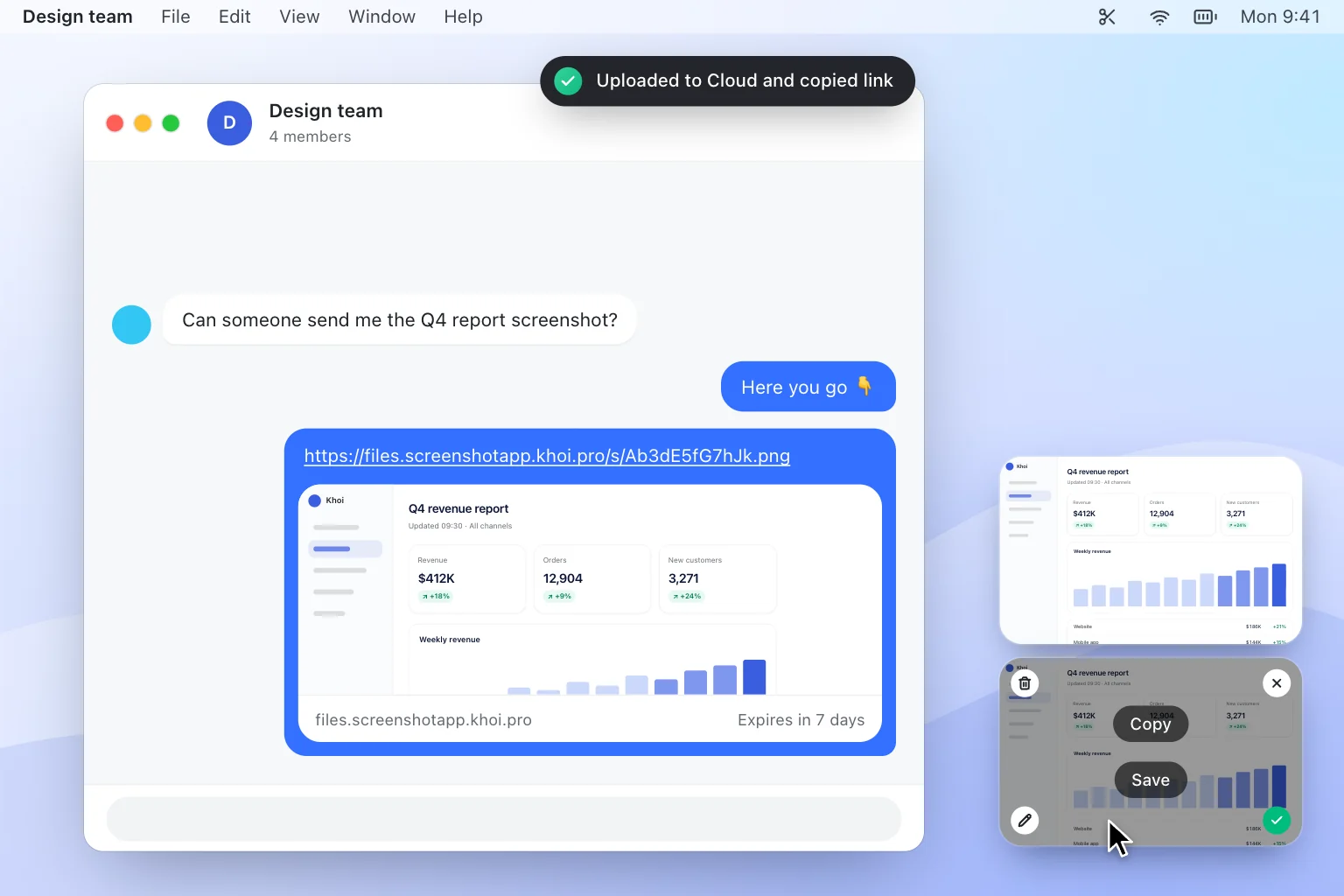
11 features, from 55–100 ms area capture to on-device OCR, image translation, QR scanning and link sharing. Pick one to see its shortcut, steps and full specs.
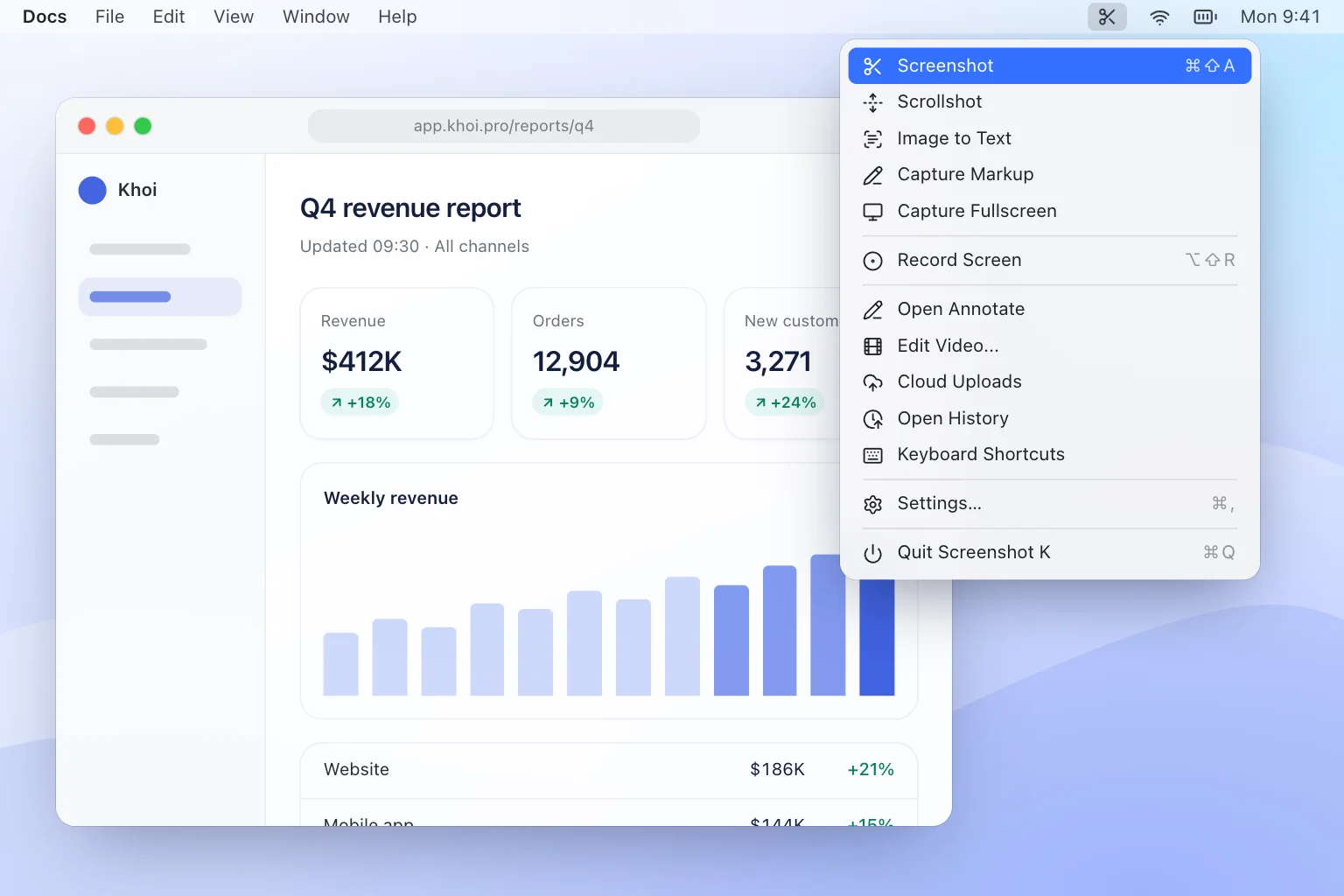
11 features
Pick a feature to see the details
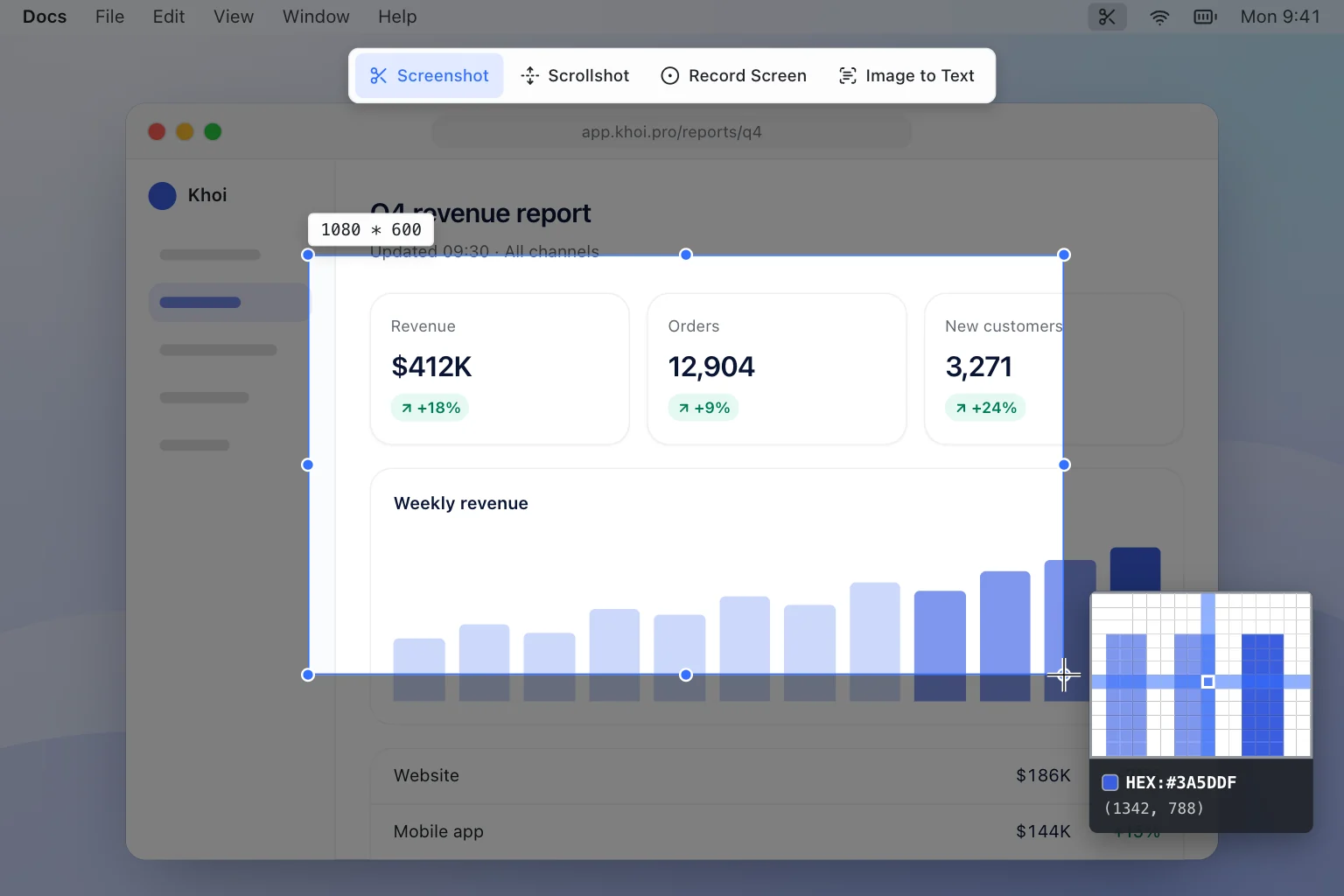
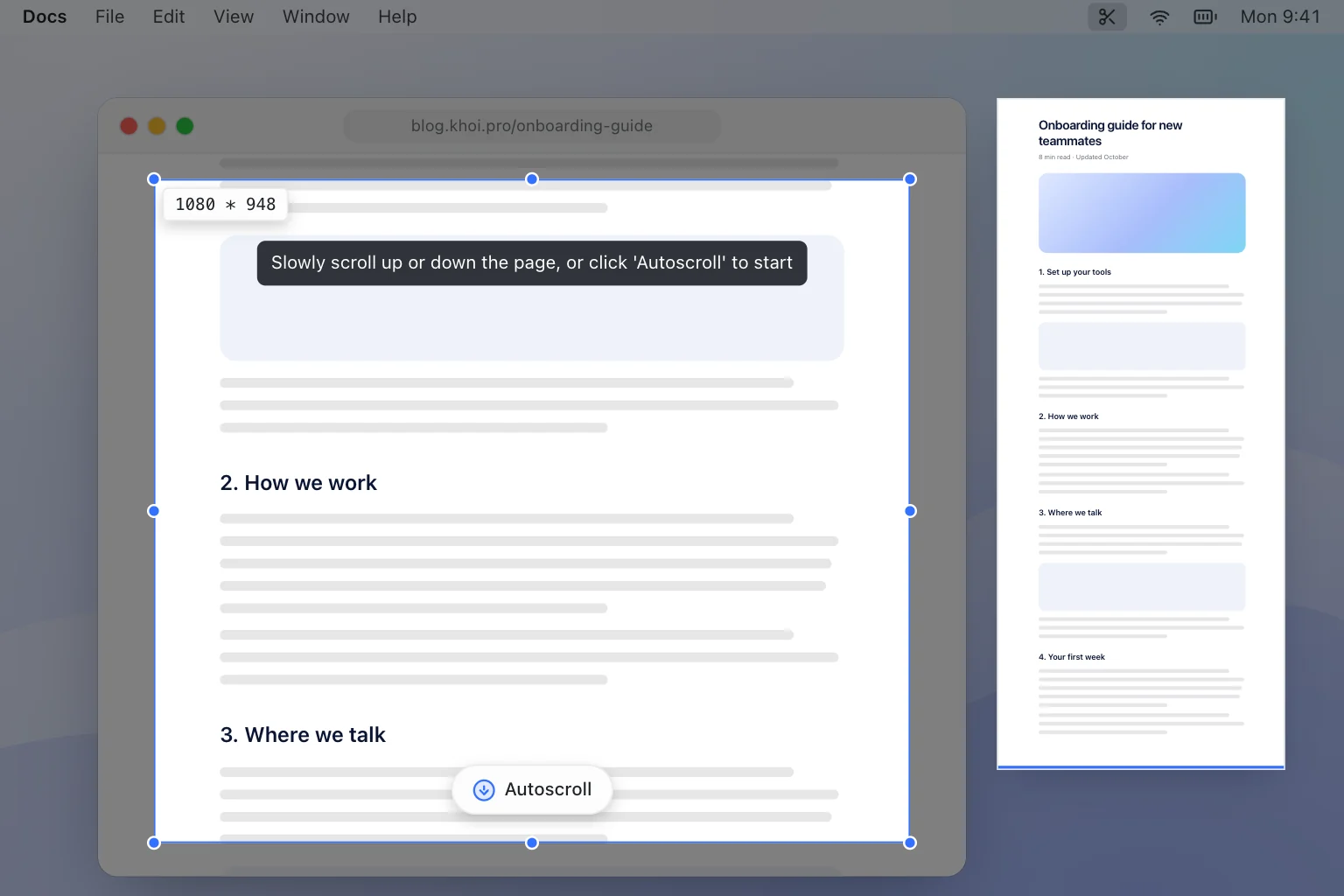
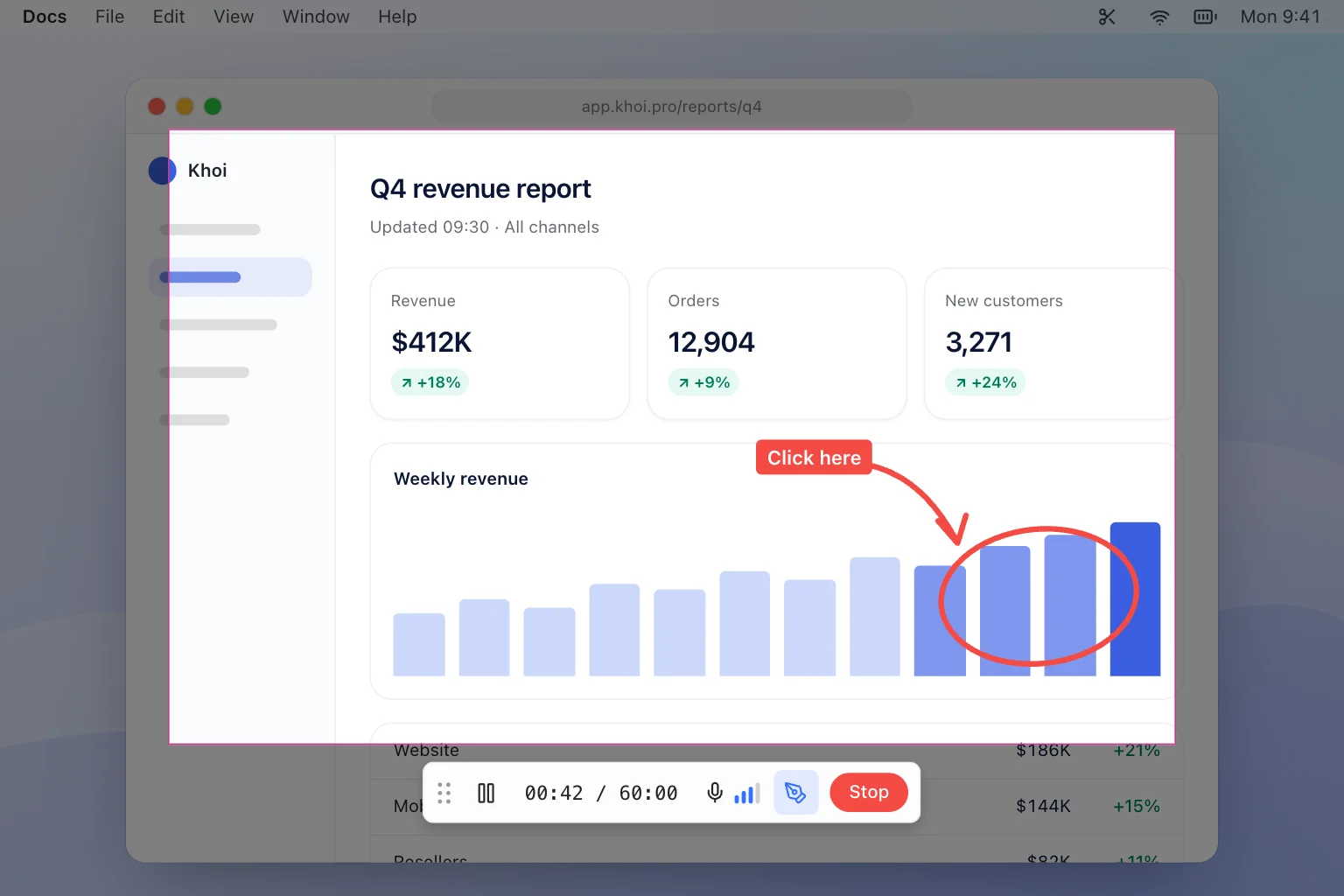
Shortcuts
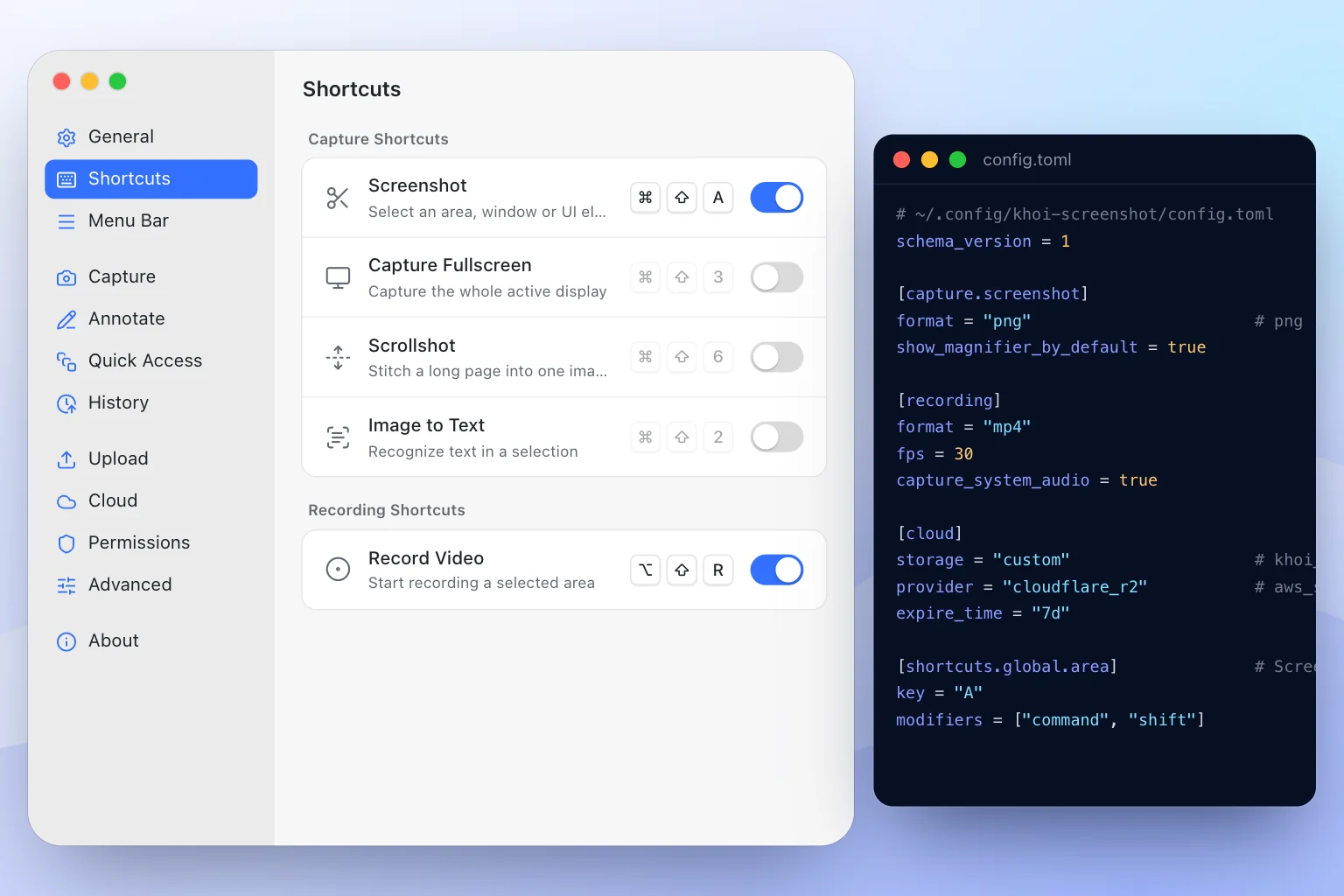
Only three shortcuts ship enabled
By design, only three global actions ship with a default shortcut. Every other feature still lives in the app — bind your own key in Settings → Shortcuts.
Free for macOS
Ready to try Screenshot K?
Install in a minute, no account needed. Runs on macOS 14+, Apple silicon.
Version 1.3.0 · 45.1 MB