Read QR code
Scan a QR code without reaching for your phone
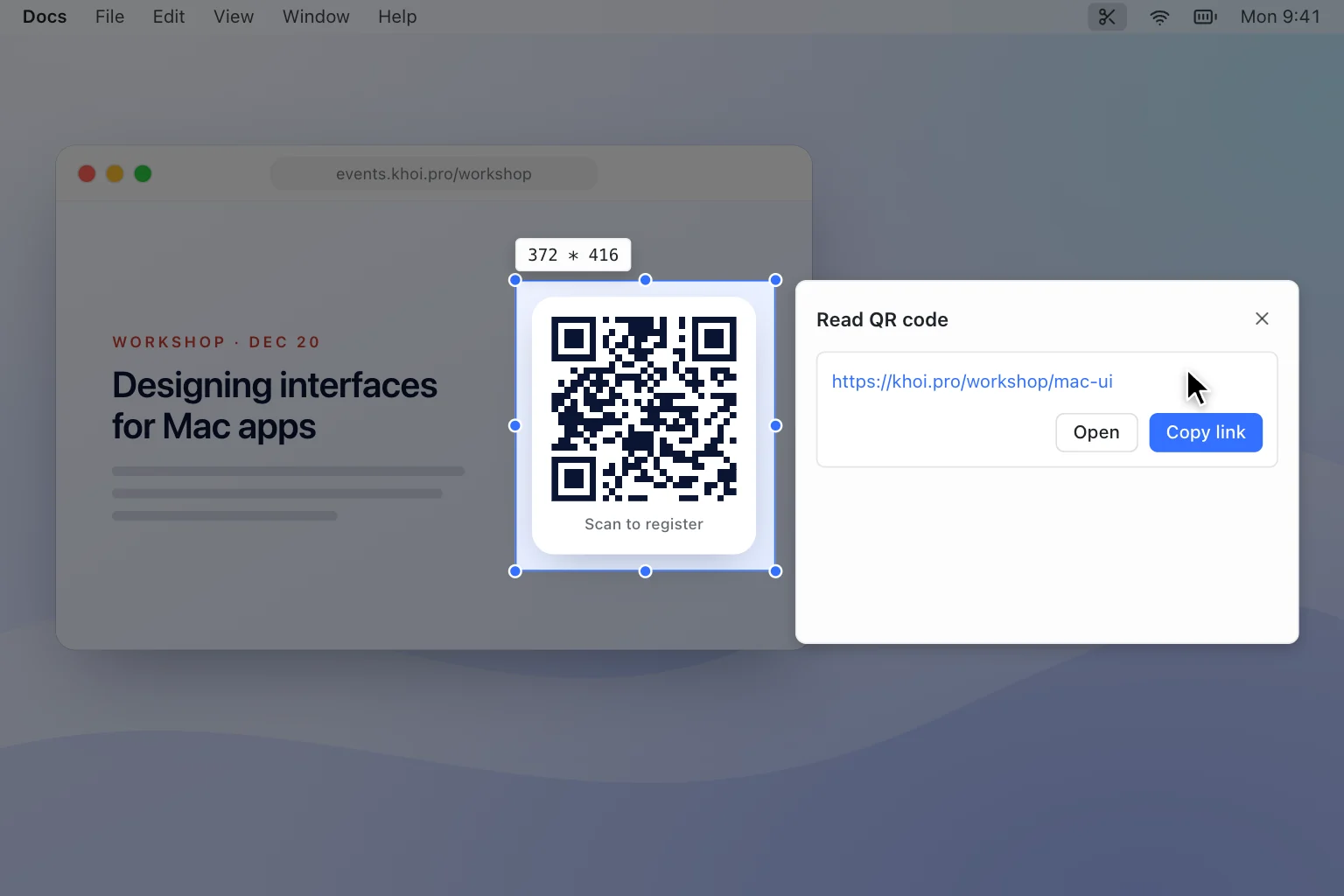
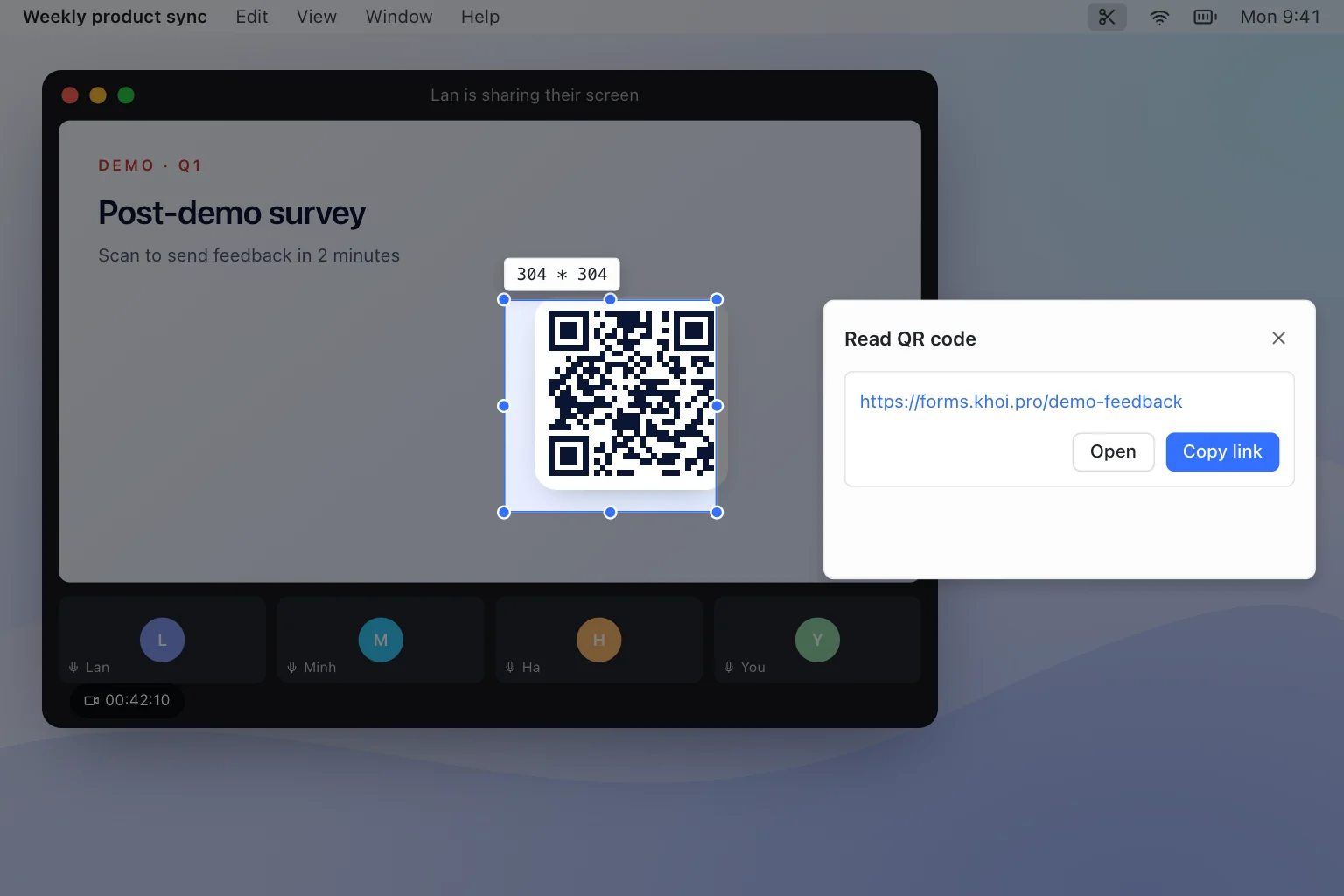
Select the area of your screen showing a QR code and Screenshot K decodes it instantly — handy for codes in a slide deck, a video call, or a PDF you can't scan with a camera.
Highlights
Why this feature
No phone needed
Scan a QR code that's already on your screen without picking up another device.
Instant decoding
Select the area containing the code and Screenshot K reads it right away.
Works anywhere on screen
A slide deck, a shared screen on a call, a PDF, or a web page — if it's visible, it can be scanned.
Reachable from a deep link
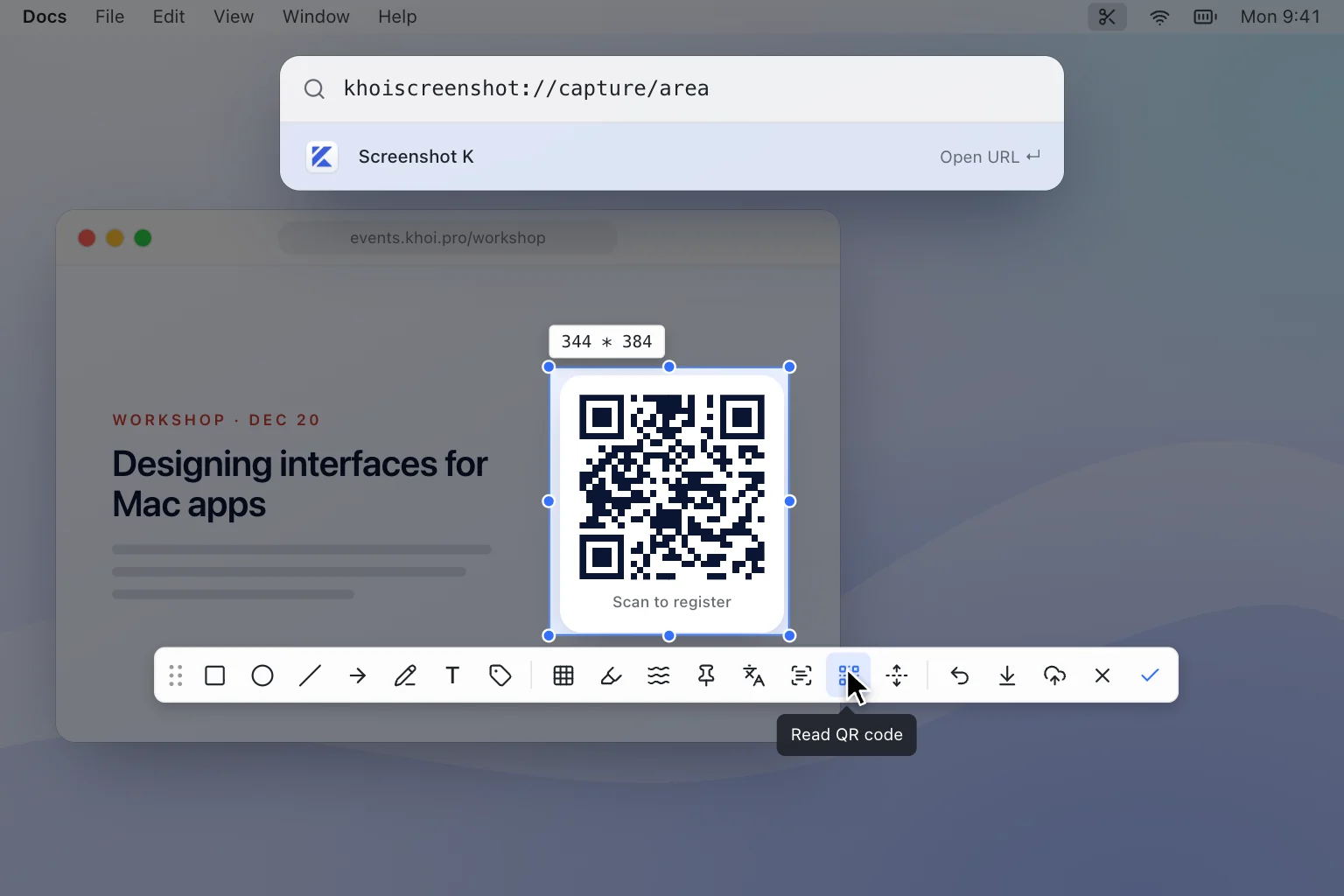
Trigger it from Raycast, Alfred, or Shortcuts via the khoiscreenshot:// scanqr alias.
How it works
Steps to do it
- 01
Open Read QR code
From the toolbar under a selection, or a shortcut you assign in Preferences.
- 02
Select the area with the code
Drag over the QR code the same way you'd select a screenshot.
- 03
Screenshot K decodes it
The code is read instantly, on your Mac.
- 04
Copy or open the result
Copy the decoded text or link, or open it directly.
Details
Go deeper
Built for codes you can't point a camera at
A QR code shown during a screen share, buried in a PDF, or displayed on a presentation slide is often awkward to scan with a phone camera. Selecting it on-screen is faster and more reliable.
A deep link for automation tools
The scanqr deep link alias lets you trigger a QR scan from Raycast, Alfred, or Apple Shortcuts, alongside every other Screenshot K action.
Specs
Limits, formats and requirements
- Trigger
- Toolbar, assignable shortcut, or khoiscreenshot://scanqr deep link
- Runs
- On-device
- Requires
- macOS 14+, Apple silicon
- Permission needed
- Screen Recording
FAQ
Frequently asked questions
Related
Related features
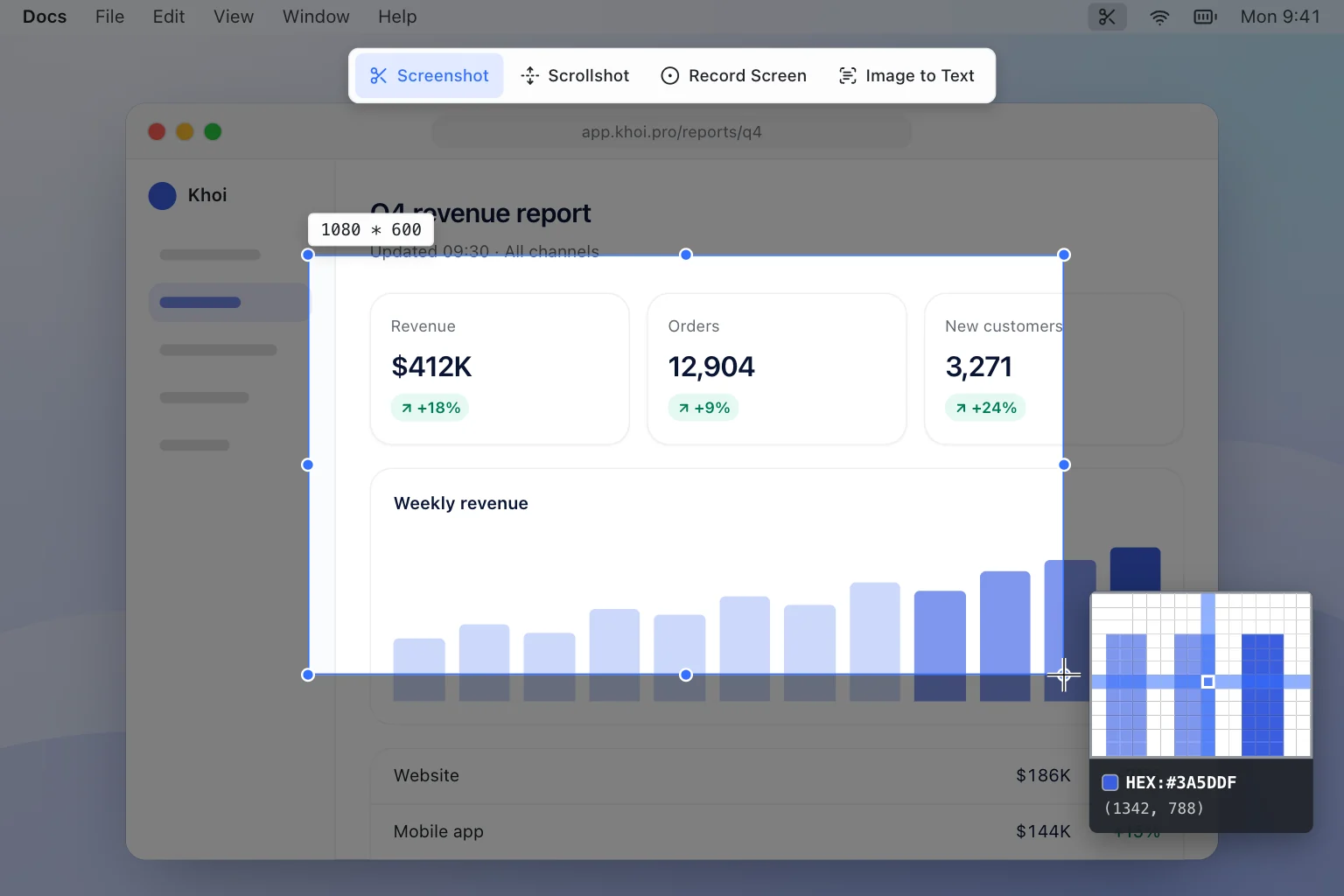
Screenshot
Area, window or UI element, all from ⌘⇧A
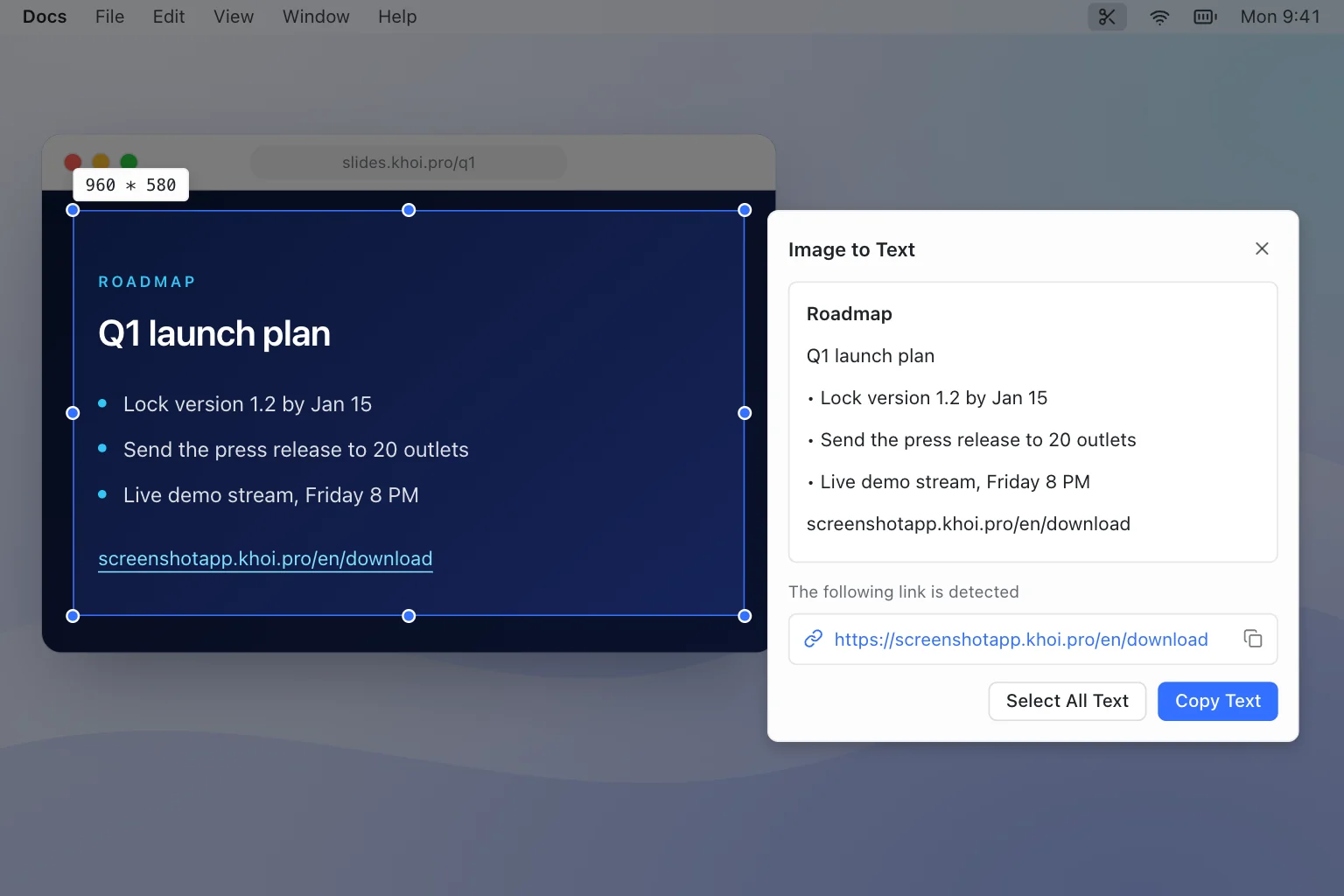
Image to text (OCR)
On-device text recognition, Vietnamese included
Translate
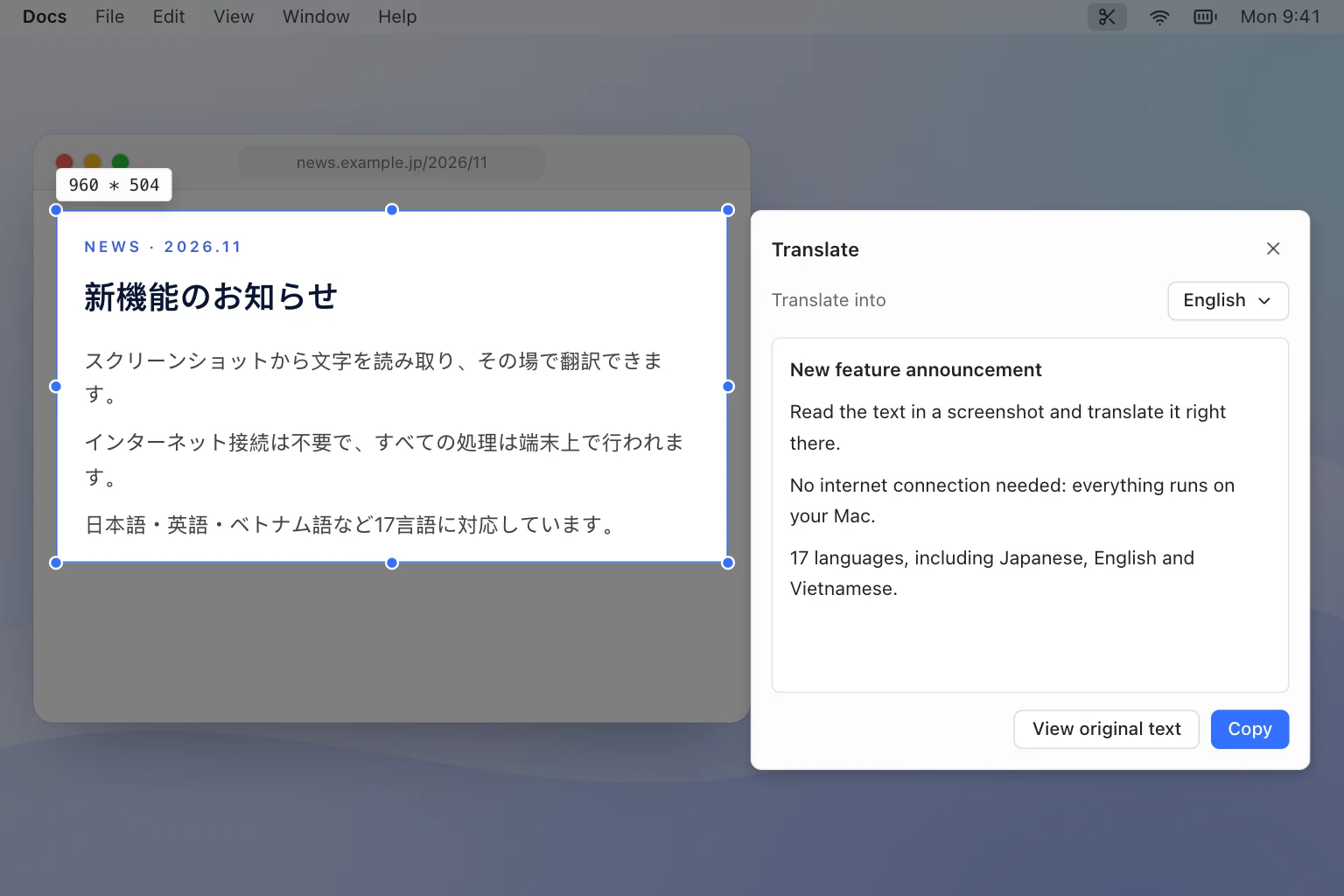
Translate text in a capture into 17 languages on device
Read more
Related posts

How to Scan a QR Code on a Mac
Unlike iPhone, macOS has no built-in QR scanner. Here's how to scan a QR code on a Mac with your iPhone, a web decoder, or a dedicated app, plus staying safe.

How to Screenshot on Mac: Every Method, Shortcut, and Format
The complete guide to taking a screenshot on Mac: every keyboard shortcut, the Screenshot app, clipboard vs. file, Markup, and when to use a dedicated app.
Ready to try Screenshot K?
Install in a minute, no account needed. Runs on macOS 14+, Apple silicon.
Version 1.3.0 · 45.1 MB